Your customer has six shopping tabs open. Somewhere between comparing delivery costs and remembering which shop had the green version, they lose interest.
Google would like to keep that shopping trip inside its own products for longer.
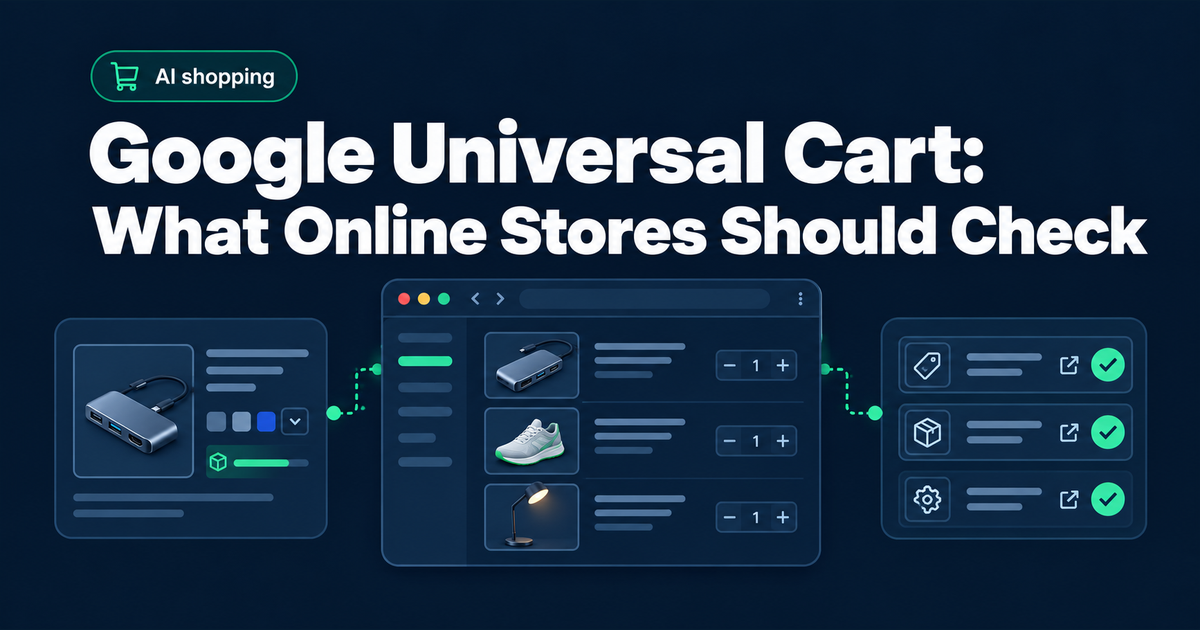
On 15 October 2026, Google launched Universal Cart in the U.S., across Search and the Gemini app. Shoppers can save items from different retailers together, receive price or stock alerts, and either use supported Google Pay checkout or transfer items to a merchant’s cart.
For an online store, the useful question is how accurately your products can be represented before someone visits your website. A beautiful product page has limited value in that comparison if its size information is missing or its availability is wrong.
Key takeaways
Universal Cart gives shoppers another way to compare offers before reaching your store. Start by checking whether your product pages and merchant feeds describe the same item accurately.
Google’s Search AI features use established Search requirements. There is no mandatory llms.txt file or special AI schema for AI Overviews and AI Mode.
Website readiness and commerce integration are separate pieces of work. GEO Fix helps address website access and information gaps; merchant eligibility and checkout support require their own checks.
What Google Universal Cart changes
The launch announcement puts cross-store shopping in a shared interface. For a merchant, that makes the accuracy of each offer worth reviewing.
Merchant support determines which checkout options are available. Confirm your own integration before promising customers a particular purchase route.
Our reading of the launch is straightforward: product comparisons deserve the same attention as the page a shopper eventually lands on. Review the information a shopping service receives, then measure whether visitors arriving from that service buy.
Our earlier article on Shopify’s AI referral growth looks at another part of that journey: shoppers who arrive at a store through AI. Universal Cart raises a related question about the decisions made before that arrival.
A product comparison example
Imagine a customer looking for a USB-C dock for a MacBook Air. They want to connect a 4K monitor at 60 Hz and charge the laptop through the same cable. Their budget is €120.
Your shop sells a suitable dock. The product page describes it as a “powerful hub for seamless productivity”. It looks tidy beside a laptop in the photos.
The supported display resolution appears only in an image. The charging specification is buried in a downloadable manual. Your product feed still describes an older version with different ports.
A person might contact your shop to check compatibility. An automated comparison has less reliable information to work with, even though the product could fit the customer’s request.
Now imagine the page states the supported display output beside the charging specification. It names compatible devices and explains whether a separate power adapter is needed. The product feed describes the same model, at the price shown on the page.
That gives a comparison service clearer facts. Whether it selects your product still depends on the platform and the shopper’s request.
“Seamless productivity” is doing a lot of work for a description that never tells you whether the charger is included.
This example illustrates the information problem. It does not describe a measured Universal Cart ranking factor.
What your store should check first
Start with a small sample of products you actually want to sell. Include a product with several variants and one that regularly changes availability. A homepage check alone will miss problems inside the catalogue.
Read the product page as someone who has never heard of you
Write down the information needed to choose the item. For a laptop dock, that might include the supported display output and charging power. Compatibility with the customer’s specific device may decide the purchase.
Find each answer on the page. Check whether it is available as readable text, and whether it changes correctly when someone selects another variant.
“Suitable for most devices” leaves a buyer doing extra research. Naming the supported models makes the decision easier. Only make claims you can support with actual specifications.
Compare the page with your product data
Your website and your merchant feed should describe the same offer. Check a real product rather than assuming the integration is working because it connected successfully last year.
Google’s product structured data documentation explains how product markup supports richer search appearances. It also describes using Merchant Center feeds alongside structured data. These are established ways to supply product information, with their own requirements.
For the product you selected, compare the visible price with the submitted price. Check that its availability is current and that a variant points to the right page.
Accurate markup cannot compensate for a feed describing the wrong product. Nor does adding markup by itself enrol a store in Universal Cart checkout.
Check access without switching off your security
A product page that works in your browser may behave differently for an automated visitor. Ask your developer to inspect relevant access rules and actual request logs where available.
For Google’s Search AI features, Google’s published guidance points to normal Search eligibility and Googlebot access. Important information should be available in text, with structured data matching what users can see. It does not require a special AI file.
If you also want visibility in other AI search services, assess their access separately. Our guide to AI crawlers your SEO platform may miss explains why checking one visitor does not establish access for every service.
A test using a crawler’s name is an initial diagnostic. It does not prove that a genuine, verified crawler will receive the same response through your security layer. Keep protections in place while investigating specific blocks.
Test the handoff to your store
Follow the routes that are actually available to your business. If a shopping listing sends customers to your website, check where they land and which variant is selected.
Look for surprises a customer would notice immediately. Perhaps a €129 product becomes €159 after the link opens. Perhaps the advertised version is sold out while a different option is selected by default.
Record the original listing and the destination so someone can reproduce the problem. Fixing an identifiable mismatch is more useful than requesting a general “AI optimisation” of the entire store.
Where SEO and GEO fit
A GEO review connects the customer’s buying question to the information your website actually supplies. Can a service retrieve the relevant page? Does that page explain whether the product fits? Those are concrete checks your team can act on.
Some improvements support traditional search too. Others involve checking how different AI services retrieve or represent your business. Shared work does not make every channel identical. Our GEO vs SEO guide explains how to plan the work together.
At GEO Fix, we start with website readiness. We identify access and information gaps, then provide implementation files with instructions for your website platform. For a shop preparing for AI commerce, product-feed integration and checkout eligibility need their own assessment beyond those website checks.
The deliverable is a set of website improvements your team can apply. Product selection remains with the platform, and commerce integrations have their own approval requirements.
What this means outside the U.S.
Google’s 15 October announcement specifies a U.S. rollout. It should not be described as a worldwide launch. A store selling only in Latvia should check regional availability before budgeting for a Universal Cart integration.
You can still improve a confusing product page now. Correcting outdated stock information helps customers using the channels you already have. Making the feed agree with the website is useful regardless of when another shopping feature becomes available locally.
If you serve U.S. customers, ask whoever manages Merchant Center or your commerce platform to confirm the options available to your account. Consumer availability and merchant eligibility are separate questions.